
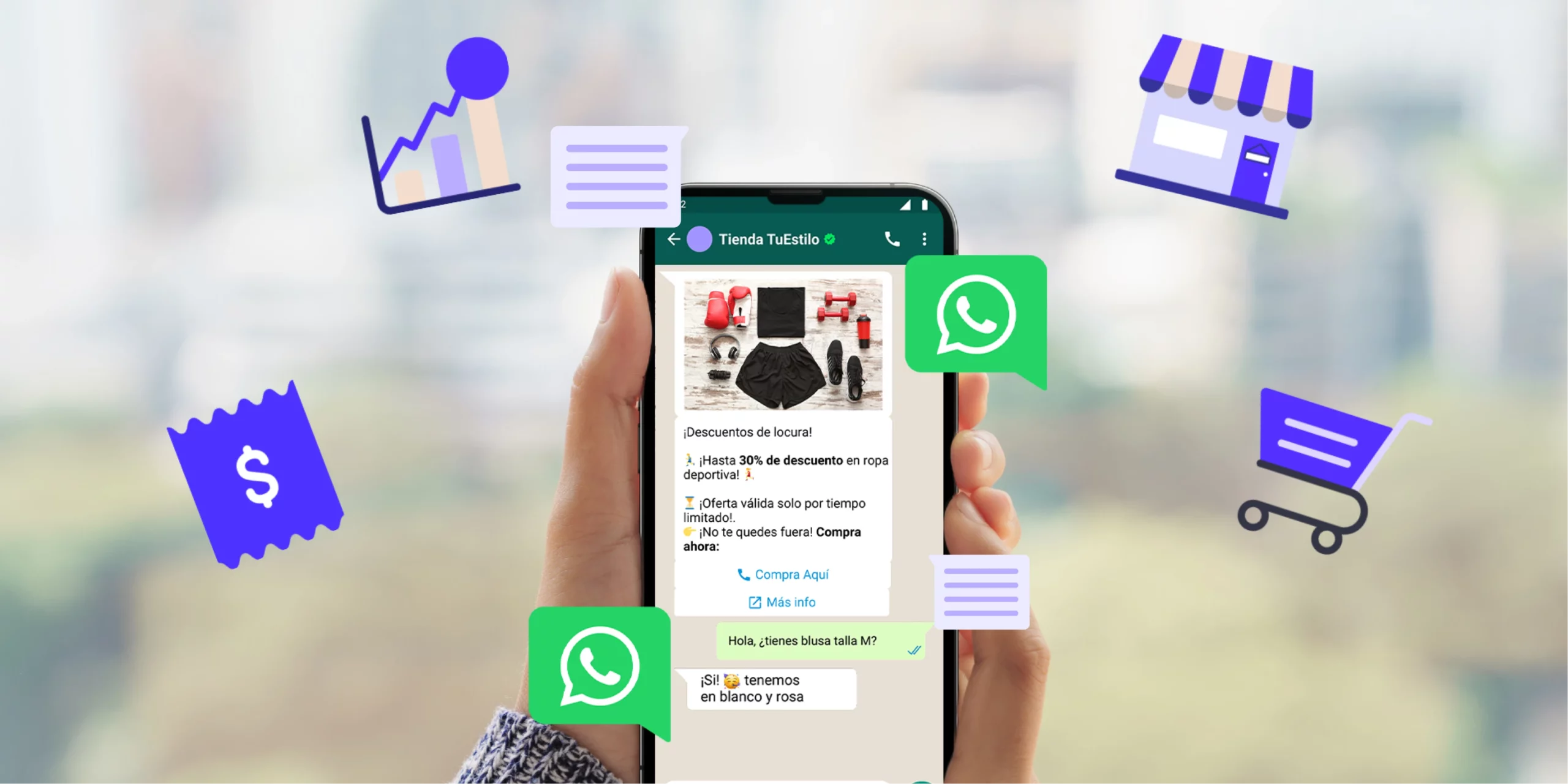
1. Professionalize Your Business Identity
When a cold prospect clicks your link, they are immediately looking for trust indicators. If your profile appears unprofessional or insecure, they will close the chat window without messaging you.
The Profile Picture Blueprint: Avoid using generic, low-resolution internet graphics or family photos. Upload a high-resolution, professionally designed version of your brand logo. If you run a personal brand service (such as a makeup artist, coach, or real estate agent), use a clear, brightly lit headshot of yourself smiling against a neutral background.
The Display Name Framework: Use your official registered business name. Ensure the capitalization is correct and avoid using excess casual emojis, which can reduce your perceived brand authority.
The Category and Bio Setting: Select the exact category that matches your industry (e.g., Apparel & Clothing, Grocery Store, or Medical & Health). In your description box, clearly state your primary value proposition and location in under two sentences. For example: "Premium, sand-free corporate wear for women. Delivering nationwide from our Yaba, Lagos hub."
2. Build a Seamless Automated Greeting Workflow
Cold traffic requires immediate engagement. If a customer sends a message at 9:00 PM and doesn't get a response until the next morning, they will likely source the item elsewhere.
Activate Smart Greeting Messages: Navigate to Business Tools > Greeting Message. Turn this feature on and configure it to target anyone who messages you for the first time or after 14 days of inactivity.
The High-Converting Greeting Template: Avoid generic messages like "Welcome to our shop, how can we help you?" Instead, use a structured script that guides them to provide actionable order information immediately:
"Hello! Thank you for contacting [Your Brand Name] 🛍️. We are excited to serve you! To help us process your request instantly, please send us:
A screenshot of the exact product you want to order.
Your preferred size or color option.
Your delivery location.
Feel free to browse our active, up-to-date catalog by clicking the shop icon at the top of your screen!"
3. Launch a Fully Optimized WhatsApp Product Catalog
Many business owners waste valuable hours manually sending product photos, sizing variations, and pricing text over and over again to separate clients. Utilizing the built-in Catalog tool keeps your product presentation organized and professional.
Group Products into Collections: Sort your inventory into distinct, easily navigable folders (e.g., "Men's Footwear," "New Arrivals," "Clearance Sale").
Provide Transparent Pricing and Descriptions: Include the exact price in Naira for every single item. In the description field, include crucial buying details like material composition, dimensions, and current delivery timelines.
Add Direct Checkout Payment Links: If you utilize an e-commerce payment gateway (such as a Paystack or Flutterwave product link), paste that specific checkout URL directly into the product link field inside the catalog. This allows independent, high-intent buyers to pay immediately without waiting for your manual bank account details.
4. Leverage Quick Replies for Fast Objection Handling
During a chat conversion, prospects will frequently ask identical questions regarding logistics, payment terms, or product durability. Instead of typing the same answers repeatedly, program Quick Replies to respond instantly.
The Delivery Template: "We deliver nationwide! 🚚 Lagos Mainland: ₦1,500 (1-2 days). Lagos Island: ₦2,500 (1-2 days). Interstate delivery via GIG Logistics: ₦4,500 (3-5 days). Please provide your full address to finalize your waybill."
The Bank Details Template: "To confirm your order, please make payment to our official corporate account: 🏛️ Bank: Zenith Bank | Account Name: [Your Registered Business Name] | Account Number: 1234567890. Please reply with a clear screenshot of your payment receipt."
5. Use Labels to Categorize and Track Leads
An unorganized chat feed leads to forgotten orders and missed revenue. Use the Labels feature to visually track where every customer stands in your sales pipeline.
The 5-Stage Funnel Label System: Create and color-code five specific labels:
New Lead (Cold traffic that just initiated contact)
Price Sent (Prospect has received the quote but hasn't committed)
Pending Payment (Customer placed an order but hasn't sent a receipt)
Paid & Ready to Ship (Order confirmed, awaiting waybill loading)
Order Completed (Transaction closed successfully)
By reviewing your labeled folders daily, you can send targeted follow-up messages to your "Pending Payment" segment, turning abandoned carts into completed sales.
Maximize Your Local Search Authority
Optimizing your WhatsApp Business profile ensures you successfully convert the traffic that lands in your inbox. To keep a consistent flow of new cold leads discovering your brand daily, your contact details must be discoverable on search platforms.
Once your WhatsApp automation workflows are fully configured, take five minutes to list your brand on our online business directory. Adding your business name, product keywords, physical location, and direct WhatsApp chat link to an established directory profile gives your brand an immediate boost in local Google search rankings, allowing neighborhood customers to launch automated chats with your store instantly.